
FleetDesk
A multi-store Shopify operations workspace for teams. Unifies encrypted store connections, a Kanban task board, 17 official Shopify playbooks, recurring schedules, bulk runs, and read-only AI planning behind mandatory human admin approval.
Platform Purpose & Scope
FleetDesk is a shared Shopify operations control center engineered by Kukkabu Studios. It lets teams coordinate work across multiple Shopify client stores, draft AI execution plans with exact GraphQL action manifests, and enforce administrator approval before any live store mutation runs.
Click image to view full size
Inside FleetDesk
Real interface captures from the live FleetDesk workspace. Select any screen to inspect full details.
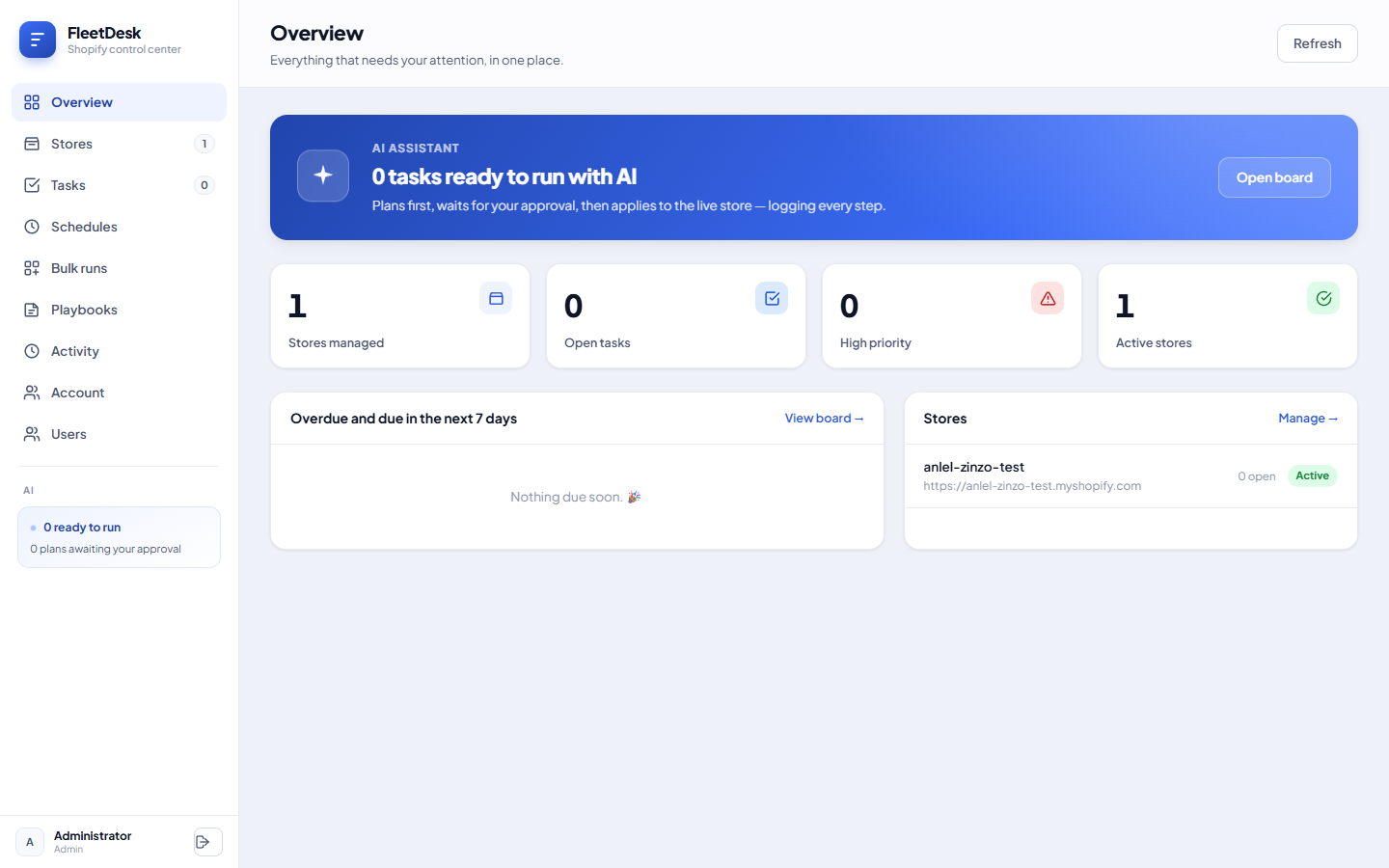
Unified command center tracking managed stores, open tasks, high-priority work, active connections, due-soon deadlines, and tasks ready for AI planning.
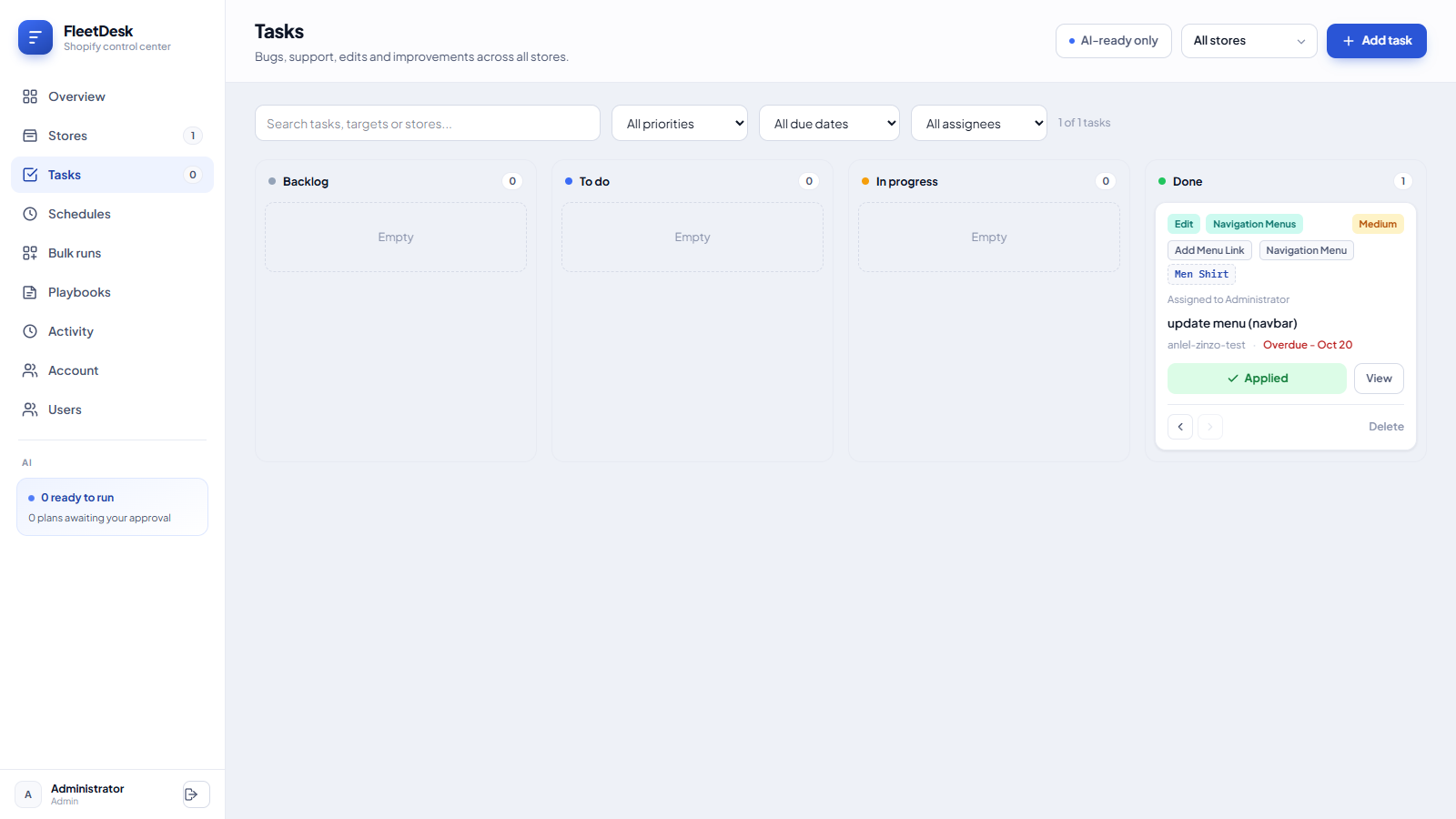
Four-column board (Backlog, To do, In progress, Done) with store, priority, due-date, assignee, and AI-ready filters plus live applied status badges.
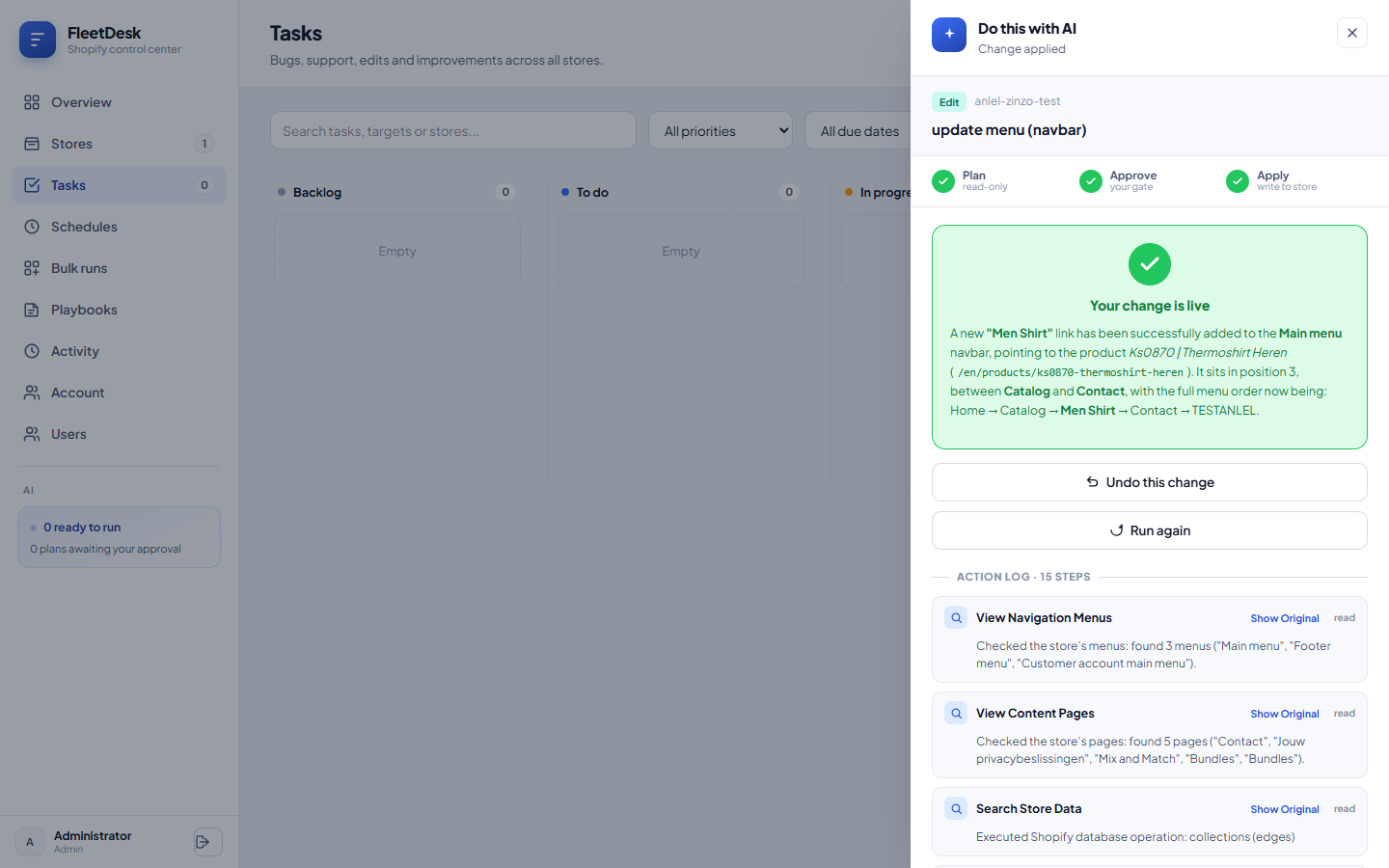
Shows a completed navigation menu update across Plan (read-only) -> Approve (your gate) -> Apply (write to store), complete with Undo recovery and a 15-step Action Log.
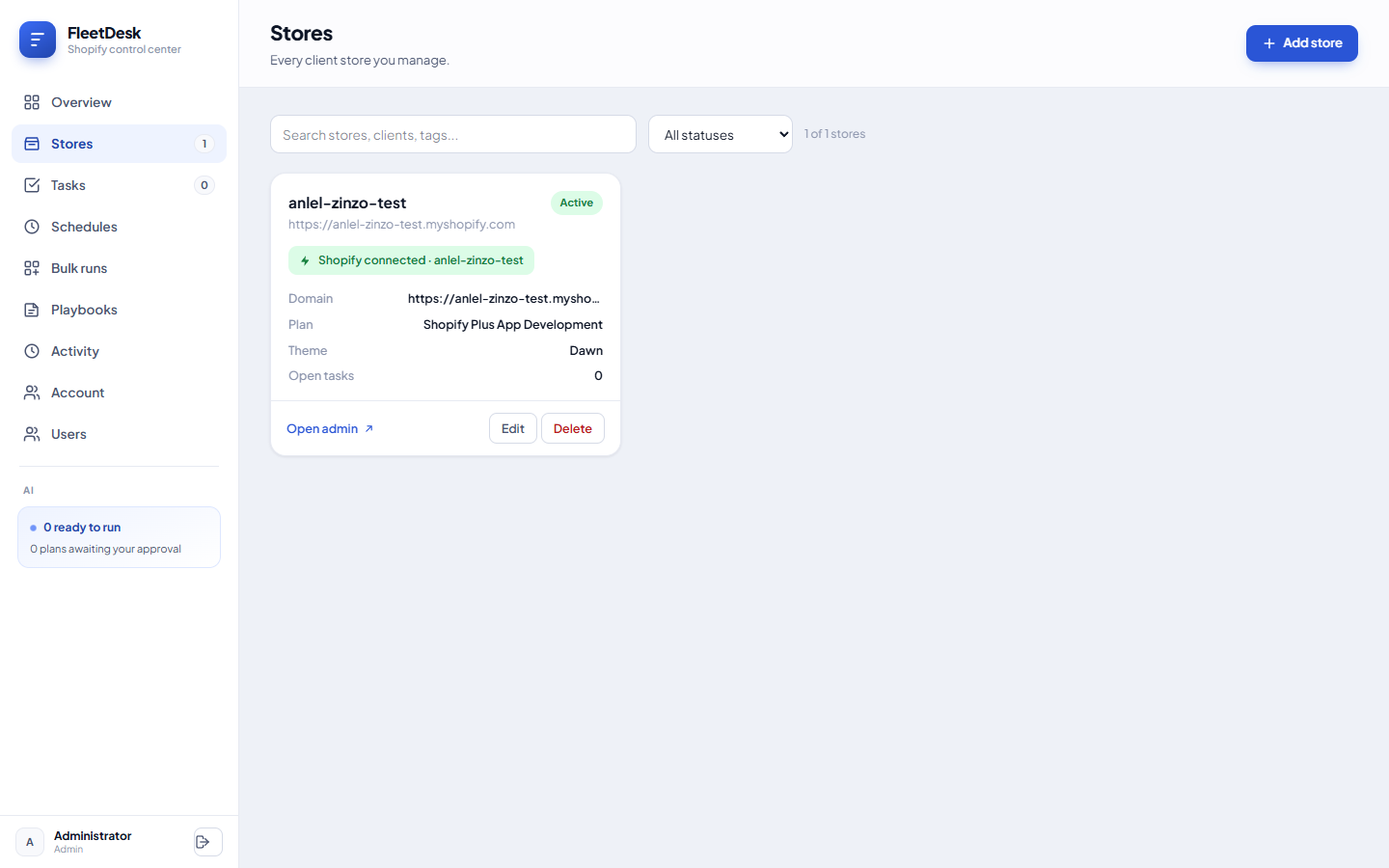
Manage client stores with .myshopify.com validation, AES-256-GCM encrypted Admin API tokens, connection testing, plan/theme metadata, and explicit disconnect.
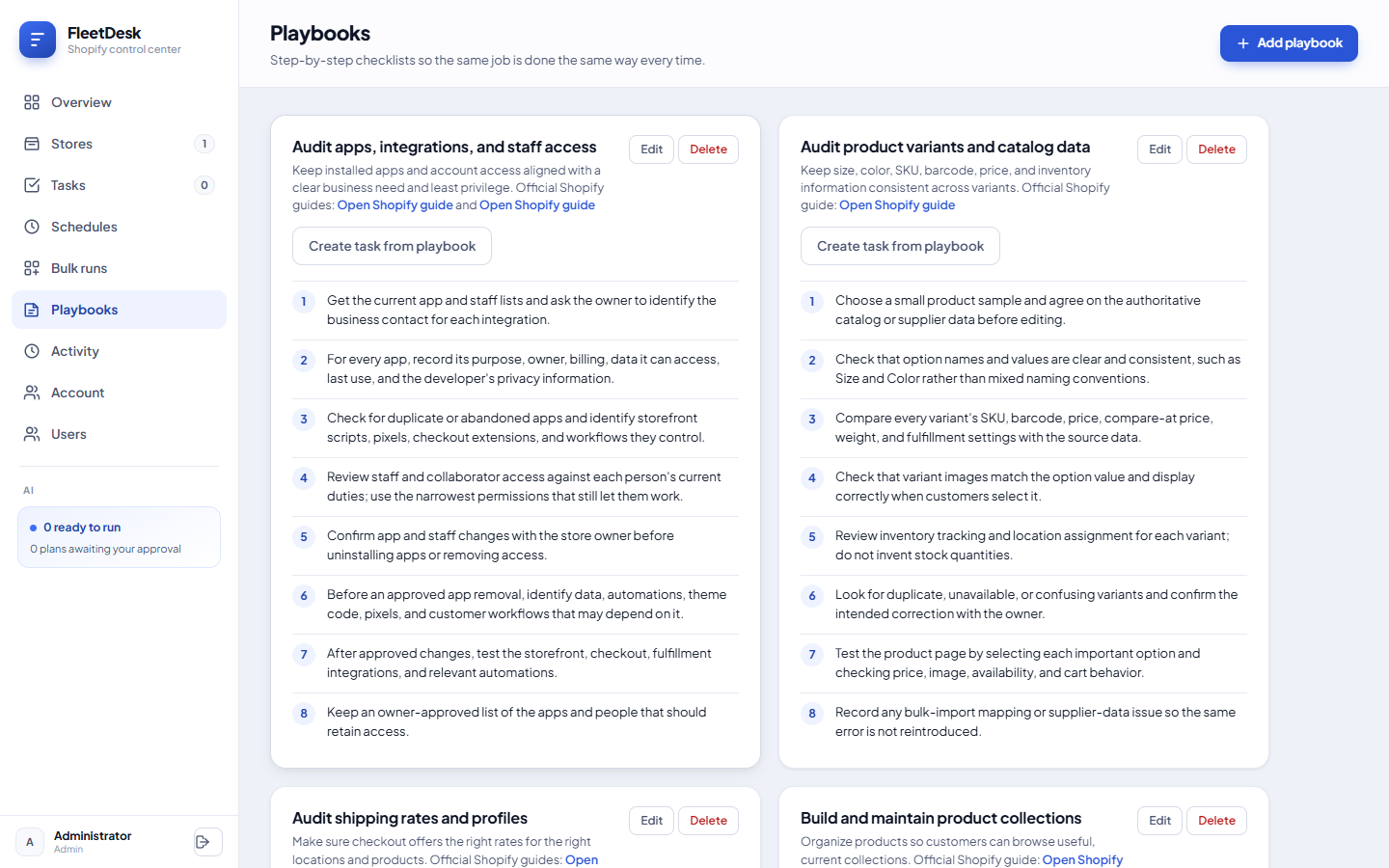
Official-reference checklists covering store launches, variants, inventory, collections, navigation, themes, SEO redirects, discounts, shipping, and privacy — each spawning a task.
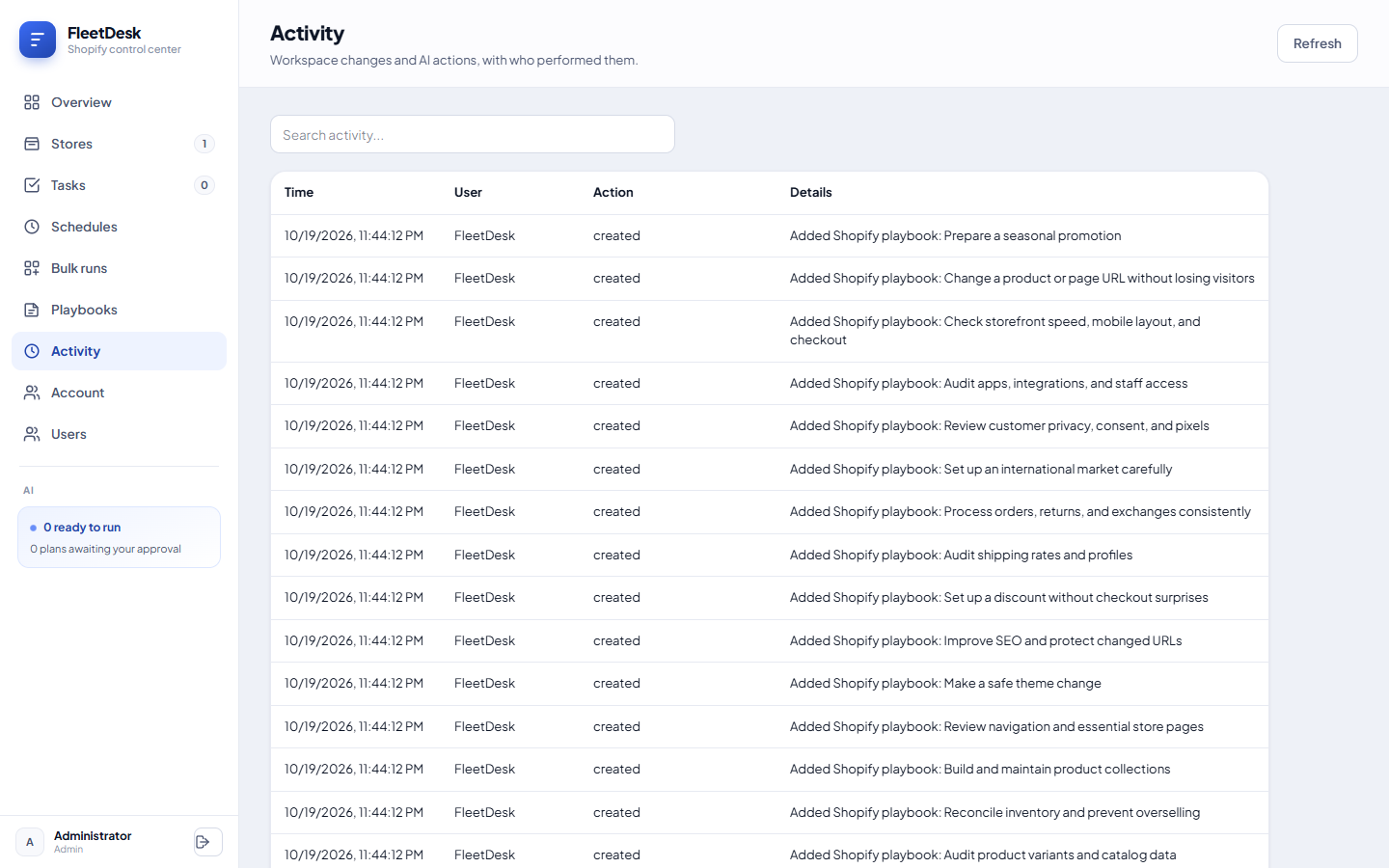
Cursor-paginated history of every store edit, task move, playbook seed, schedule trigger, user change, and AI approval with actor and timestamp.
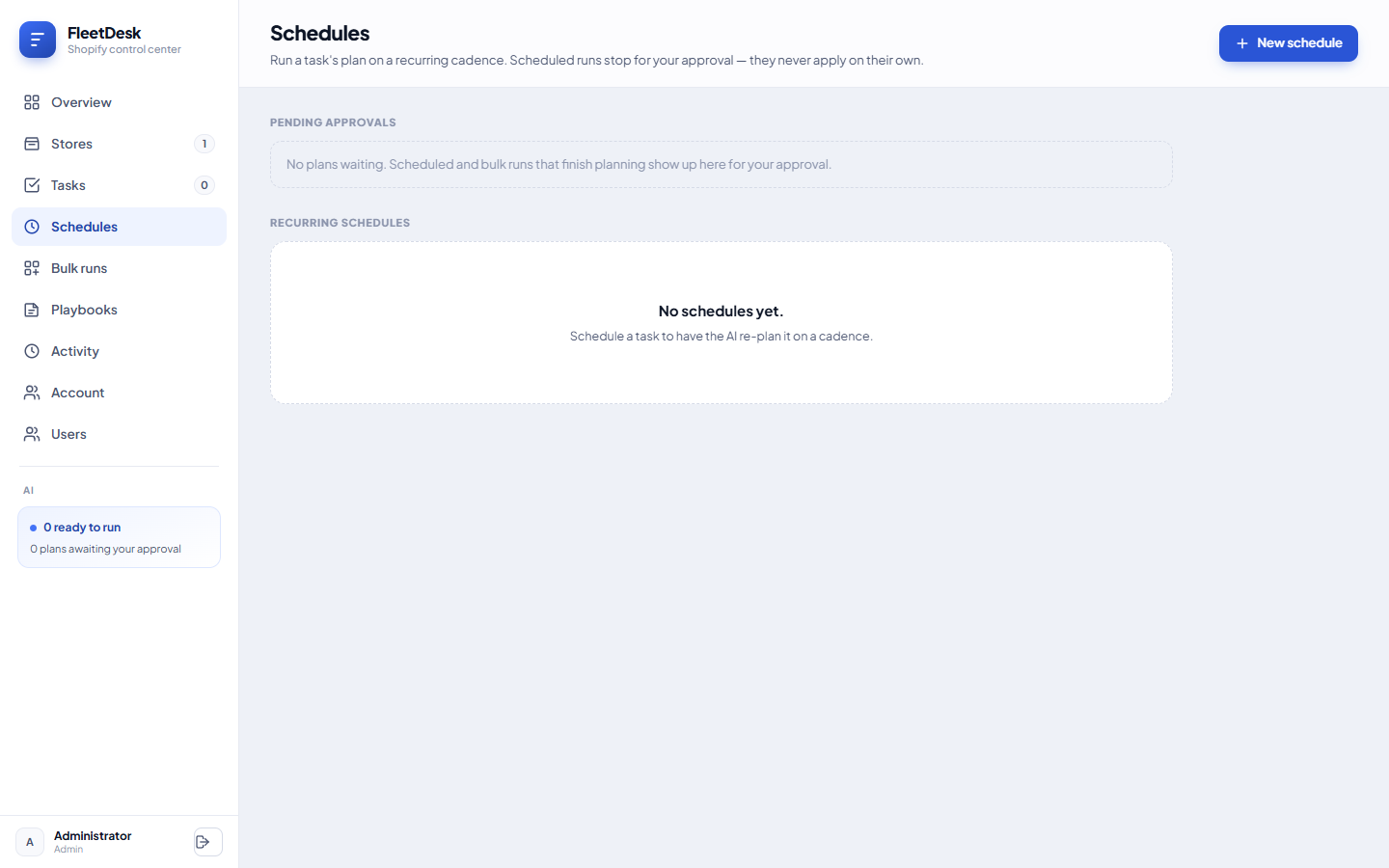
Run recurring task audits on a schedule; automated runs generate fresh AI plans and stop in Pending Approvals — never mutating a live store unattended.
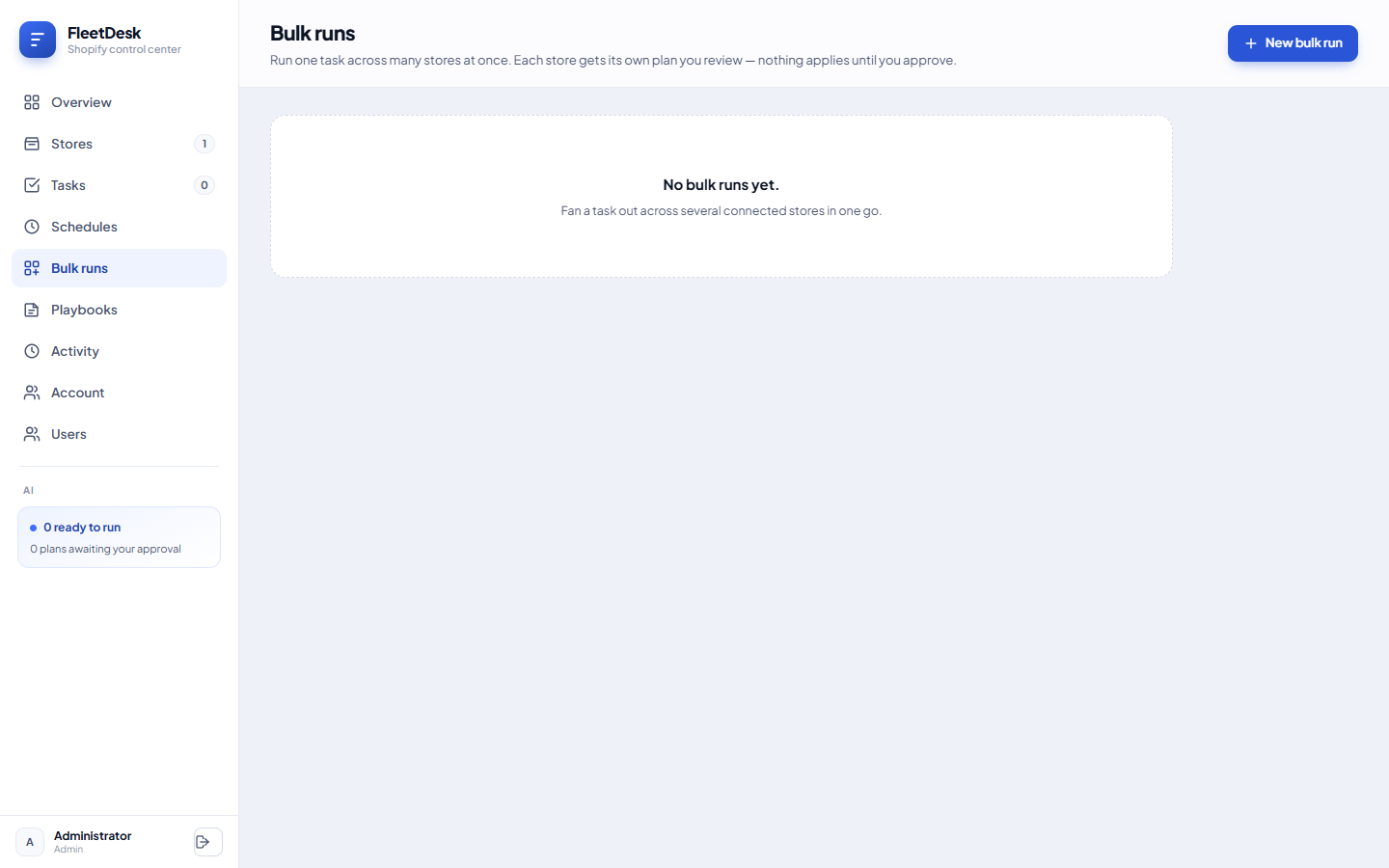
Fan a single operational task across multiple connected Shopify stores at once, generating isolated per-store plans that require individual review before execution.
Plan read-only, inspect the manifest, then approve every live write
AI planning tools can never mutate a Shopify store on their own. Live writes require exact manifest matching and an administrator click.
Connect & Verify Store
Save a store’s .myshopify.com domain, supported stable API version (e.g. 2026-10), and custom app Admin API token. Tokens are AES-256-GCM encrypted at rest and verified with Connect & test.
Create Task or Launch Playbook
Track work on the Kanban board with assignees, checklists, discussions, and due dates — or launch one of 17 curated Shopify playbooks linked directly to official Shopify documentation.
Read-Only AI Planning
The AI planner inspects store menus, pages, products, collections, or themes using strictly read-only GraphQL tools and drafts a human-readable plan alongside a visible fleetdesk-actions JSON manifest.
Admin Approval & Preflight Checks
An administrator reviews the exact action manifest and clicks Approve & apply. FleetDesk checks canonical fingerprints, validates against the live GraphQL schema, and verifies before-state snapshots.
Durable Journal & Snapshot Undo
Each approved action is logged in a durable write journal before dispatch, detects Shopify userErrors, and enables one-click Undo recovery proposals backed by pre-write snapshots.
Capabilities & Controls
Core operational modules built into FleetDesk.
Restricts connections to validated .myshopify.com domains with no redirects or embedded credentials, encrypting tokens with a canonical 32-byte key and supporting explicit disconnect.
Backlog, To do, In progress, and Done columns with team member assignments, inline editable checklists, author/admin-moderated discussions, and multi-criteria filtering.
Covers store launch, PDP optimization, variant audits, inventory reconciliation, collections, navigation, safe draft-theme edits, SEO & URL redirects, Markets, and checkout QA.
Rejects hidden mutations during planning, freezes approval while chat is revising, invalidates stale plans on task/connection edits, and prevents concurrent duplicate apply runs.
Schedule recurring checks or fan tasks across multiple stores. Every generated run stops cleanly in Pending Approvals for per-store review — never auto-applying.
Cursor-paginated workspace activity log, credential-excluding admin JSON workspace snapshot export, health diagnostics (/api/health), and binary-safe pg_dump backups.
Workspace Roles & Playbook Library
Clear separation between day-to-day operational planning and live Shopify store mutations, backed by 17 official-reference checklists.
Plan, Track & Collaborate
View fleet stores, tasks, discussions, runs, and activity. Create tasks, checklists, playbooks, recurring schedules, bulk runs, and read-only AI plans — and comment on or cancel proposals.
Approve Live Writes & Manage Fleet
Includes all Member permissions plus connecting or disconnecting encrypted Shopify stores, approving exact fleetdesk-actions manifests, managing team accounts (with last-admin protection), and exporting workspace snapshots.
Standardized Shopify Checklists
Ready-to-run playbooks linked to official Shopify Help guides: Store Launch, Product Pages, Variant Audits, Inventory Reconciliation, Collections, Navigation, Draft Themes, SEO & Redirects, Discounts, Shipping, Fulfillment, Markets, Privacy/Pixels, App Access, and Storefront QA.
Architecture & Reliability
Engineering foundations, data integrity, and operational safeguards.
Server-validated sessions with 8-hour expiry, persisted session versions for instant revocation, bcrypt password hashing (12–72 UTF-8 bytes), last-admin protection, and Member vs. Admin RBAC.
Serializable account transactions, database row locks on Store/Task/Schedule claims, indexed activity cursor pagination, and reproducible Docker Compose deployments.
Origin and Fetch Metadata CSRF protection, strict CSP & HSTS headers, redacted provider logging, optional pinned read-only Shopify Dev MCP allowlist, and 0-vulnerability dependency scans.
Questions & Details
Questions about FleetDesk? Reach Kukkabu Studios at support@kukkabu.com.
Can FleetDesk AI modify a live Shopify store without human approval?
No. Planning tools enforce read-only GraphQL operation checks in the executor. Even scheduled and bulk operations only generate plans; an administrator must review the exact fleetdesk-actions manifest and click Approve & apply.
How are Shopify Admin API tokens stored and protected?
Tokens are encrypted using AES-256-GCM with an environment-configured 32-byte key, bound strictly to validated .myshopify.com hostnames without redirects, and excluded from activity logs and JSON workspace exports.
What happens if an AI-applied change needs to be rolled back?
FleetDesk captures full before-state snapshots for supported resources and records every dispatch in a durable write journal. Administrators can generate a fresh, reviewed Undo recovery proposal directly from the run drawer.
Who can use FleetDesk in a workspace?
FleetDesk uses invite-free, administrator-managed accounts with Member and Admin roles. Members can manage tasks, comments, playbooks, schedules, and AI plans; only Admins can connect stores, manage users, export data, or approve live Shopify writes.